Friday post
Tips and tricks
1. F8 creates a symbol
2.Ctrl-B breaks apart objects in flash
3.Ctrl-G groups objects together in flash
4. F5 makes a frame
5. F6 makes a key frame
6. F7 makes a blank key frame
7. Ctrl Enter plays a movie that you have created and exports it to a SWF file
7. Ctrl Enter plays a movie that you have created and exports it to a SWF file
8. Ctrl X means to cut
9.Ctrl V pastes
9.Ctrl V pastes
10. Shift Ctrl V means to paste in place
11. I made a building with a moving car and a shooting star
12. I have started creating my second flash project which is a fishbowl with some fish
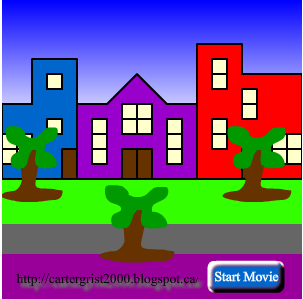
11. I made a building with a moving car and a shooting star
12. I have started creating my second flash project which is a fishbowl with some fish


